
 https://reaper-dev.com
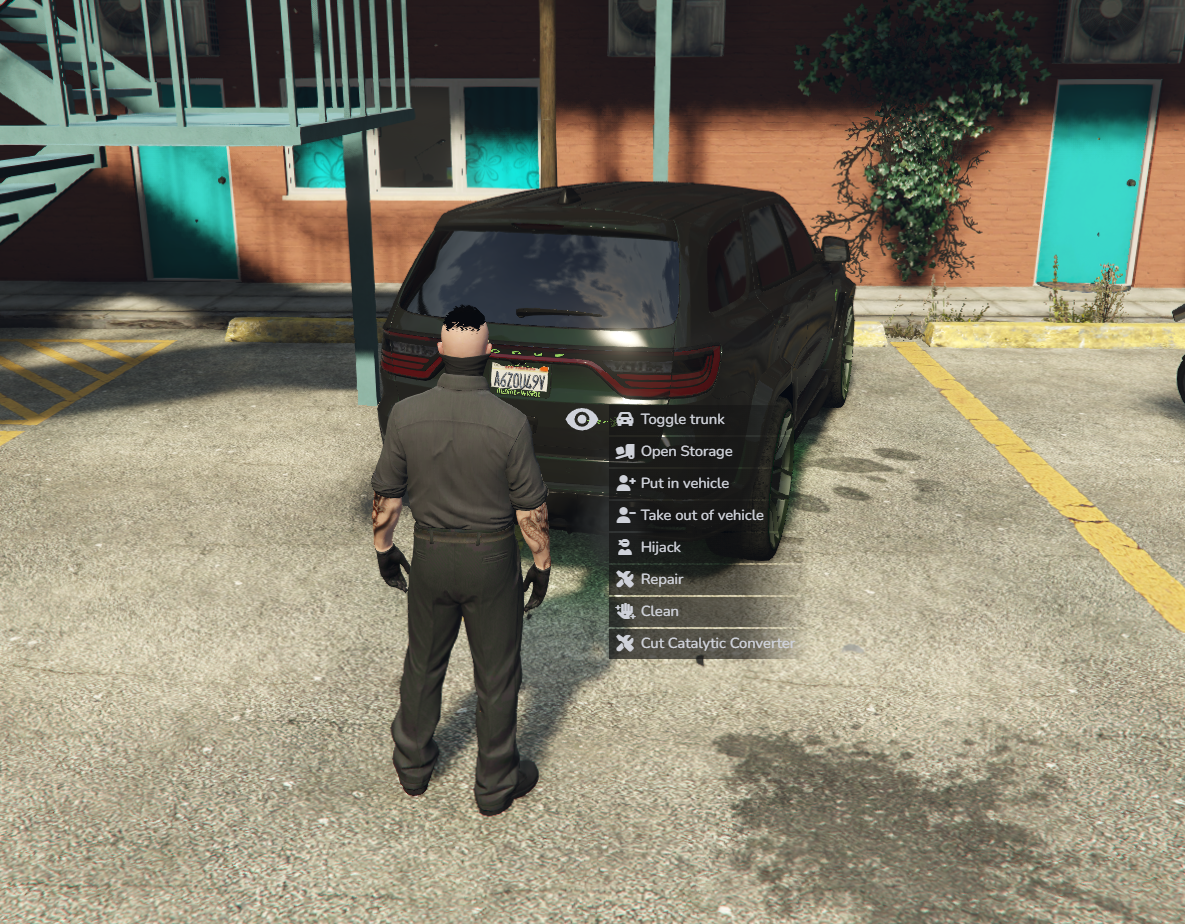
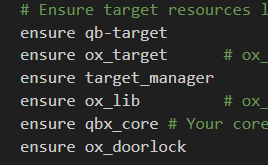


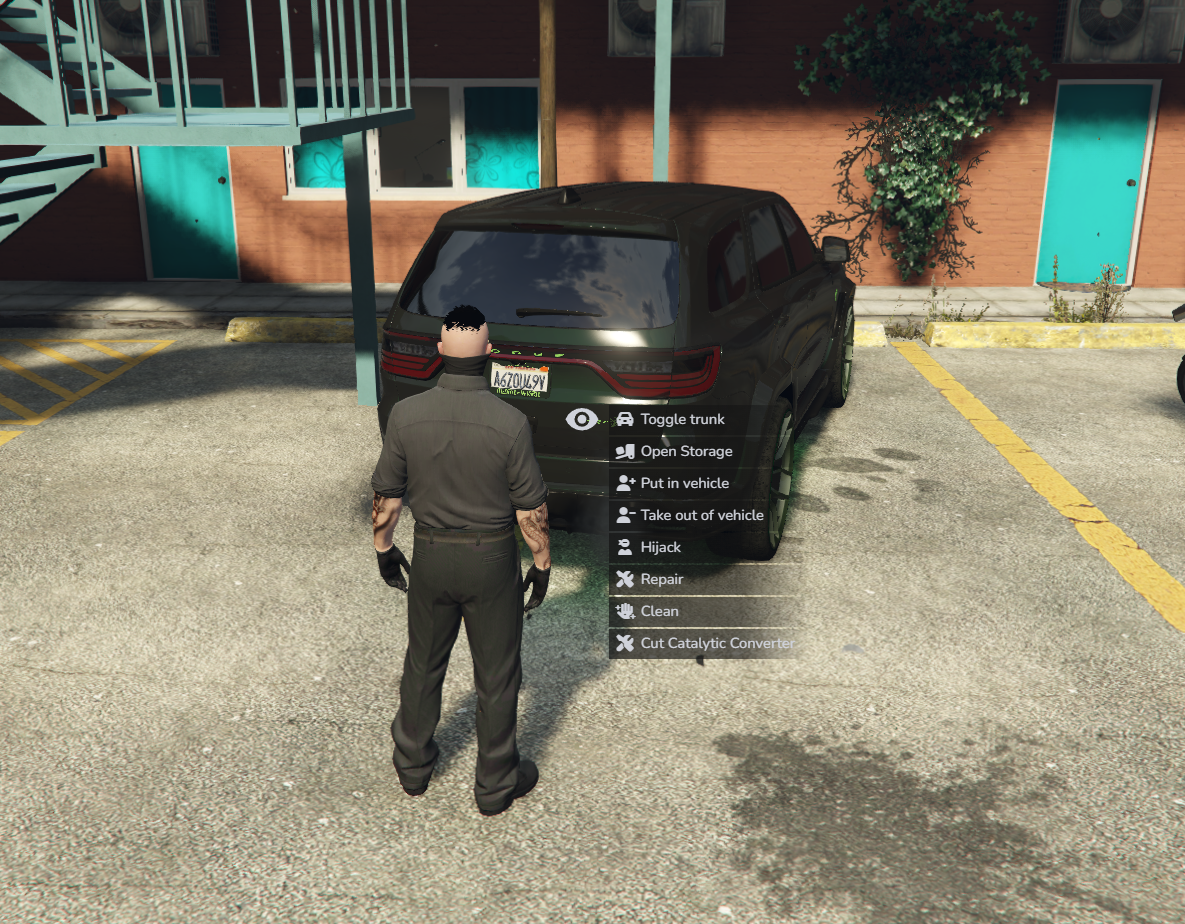
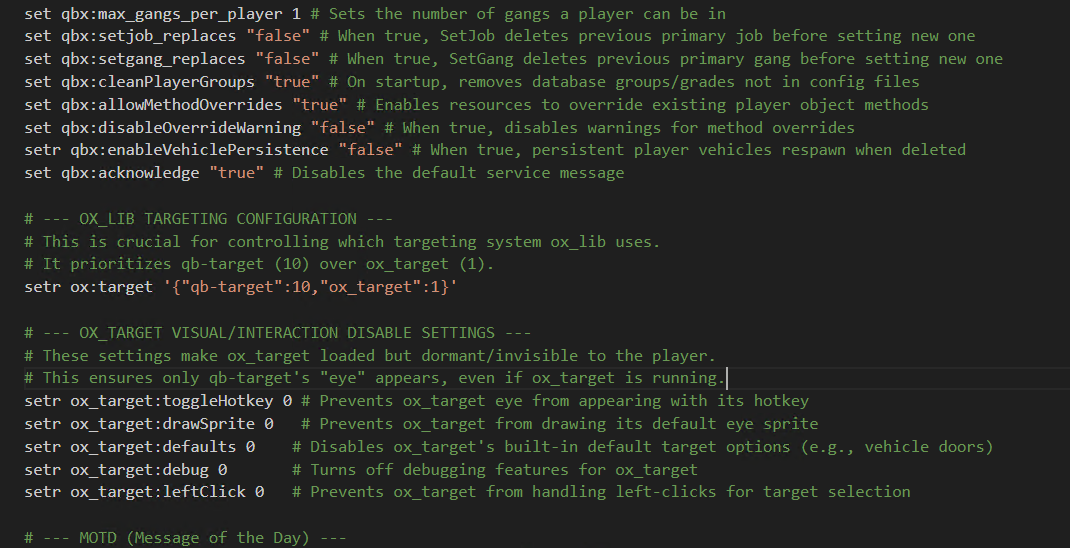
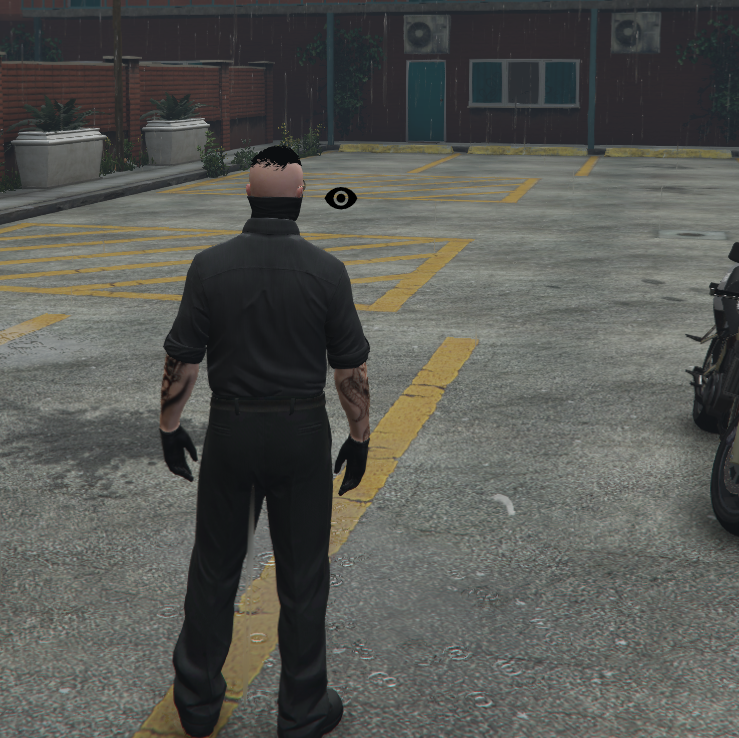
these images show you need to add this to your server.cfg
setr ox:target '{"qb-target":10,"ox_target":1}'
# --- OX_TARGET VISUAL/INTERACTION DISABLE SETTINGS ---
# These settings make ox_target loaded but dormant/invisible to the player.
# This ensures only qb-target's "eye" appears, even if ox_target is running.
setr ox_target:toggleHotkey 0 # Prevents ox_target eye from appearing with its hotkey
setr ox_target:drawSprite 0 # Prevents ox_target from drawing its default eye sprite
setr ox_target:defaults 0 # Disables ox_target's built-in default target options (e.g., vehicle doors)
setr ox_target:debug 0 # Turns off debugging features for ox_target
setr ox_target:leftClick 0 # Prevents ox_target from handling left-clicks for target selection
# --- Ox Resources Configuration (Important: Removed conflicting 'inventory:target false') ---
# The 'setr inventory:target false' line was removed as it prevents ox_inventory from using any targeting.
# With the 'ox:target' convar set above, ox_inventory will automatically use qb-target via ox_lib.
exec ox.cfg # Executes a separate ox.cfg file if you have additional ox_lib/ox_inventory settings there.
this script allows you to use qb-target and ox-target at the same time regardless what a script calls for they now work in unison. make sure to have ensure target_manager below the 2 targeting systems in the server.cfg, also this was originally designed to work on qbx. other than putting the info provided into your server.cfg and ensuring the target_manager its just as simple as drag and drop. just make sure you have things loading in the correct order. https://github.com/xHTGxReaperx/target_manager